

An agent opens their professional email inbox and finds a notification inviting them to confirm their GTM Extranet credentials. The page reproduces the logo of the La Poste group, the HR identifier field, and the usual graphic charter. Everything seems normal, except for the URL. Since the convergence between MaBoxRH, GTM Extranet, and the smart portal has multiplied the login pathways, the references become blurred, and phishing attempts specifically target this confusion.
Check the GTM Extranet domain name before entering any information
We all have the reflex to search for “GTM Extranet La Poste” in a search engine to access our HR space. This is exactly the behavior that fraudulent pages exploit: they appear as sponsored results or in the top links, with a URL that looks like the official one but isn’t.
The first concrete check concerns the full domain name in the address bar. A legitimate site of the La Poste group uses a domain in laposte.fr or laposte.net. Any variation (laposte-rh.com, gtm-extranet.org, maboxrh-connexion.fr) signals a copy. We look at the domain, not the logo displayed on the page.
The HTTPS lock, often perceived as a mark of trust, does not prove that the page belongs to La Poste. It only indicates that the connection between the browser and the server is encrypted. A fraudulent site can perfectly have a valid HTTPS certificate. The only reliable data remains the domain itself.
For those who need to regularly log in to GTM Extranet La Poste, the safest method is to bookmark the official address in the browser and never go through a search engine. This simple action cuts off the main access route used by fake sites.

Anatomy of a phishing email targeting La Poste agents
Phishing campaigns targeting GTM Extranet are not generic spam. They use the internal vocabulary of the group: HR identifier, MaBoxRH, personal space, account validation. The message often arrives in the form of a security alert or a request for reconfirmation after a supposed update.
Elements that betray a fake message
- The sender’s address uses a generic domain (gmail.com, outlook.com) or a domain that mimics laposte.fr with a modified letter (lapost3.fr, la-poste-rh.net)
- The link in the body of the email points to a URL different from the one displayed: by hovering over the link without clicking, the true destination appears in the browser’s status bar
- The message creates an artificial urgency (“your access will be disabled in 24 hours”) to push for hasty action
- The text contains unusual errors in an official letter or approximate formulations that do not match the tone of internal communications
La Poste never asks for password confirmation via email. This rule applies to GTM Extranet as well as any other service of the group. If a message requests the entry of credentials via a link, it is a warning signal.
Compromised password on GTM Extranet: immediate actions
You have entered your username and password on a suspicious page. Nothing seems to have happened, no error message, no abnormal behavior. The temptation is to do nothing. This is a mistake.
A password entered on a fake site should be considered compromised, even in the absence of visible consequences. The first action is to go to the real GTM Extranet portal (via the saved favorite, not through a search engine) and immediately change the password.
Reporting and modifying are not the same process
Reporting the fraudulent email to the internal IT department is one thing. Securing your account is another. Both must be done in parallel. Contact HR or IT support through a known channel (internal number, professional messaging) to request the password reset procedure specific to the HR account.
If the compromised password is reused on other services (personal email, online banking, other professional platforms), change it on those accounts as well. Reusing passwords remains the factor that turns an isolated incident into a widespread compromise.
Securely access La Poste HR services in the long term
Beyond reacting to a phishing attempt, some practices reduce the risk sustainably.
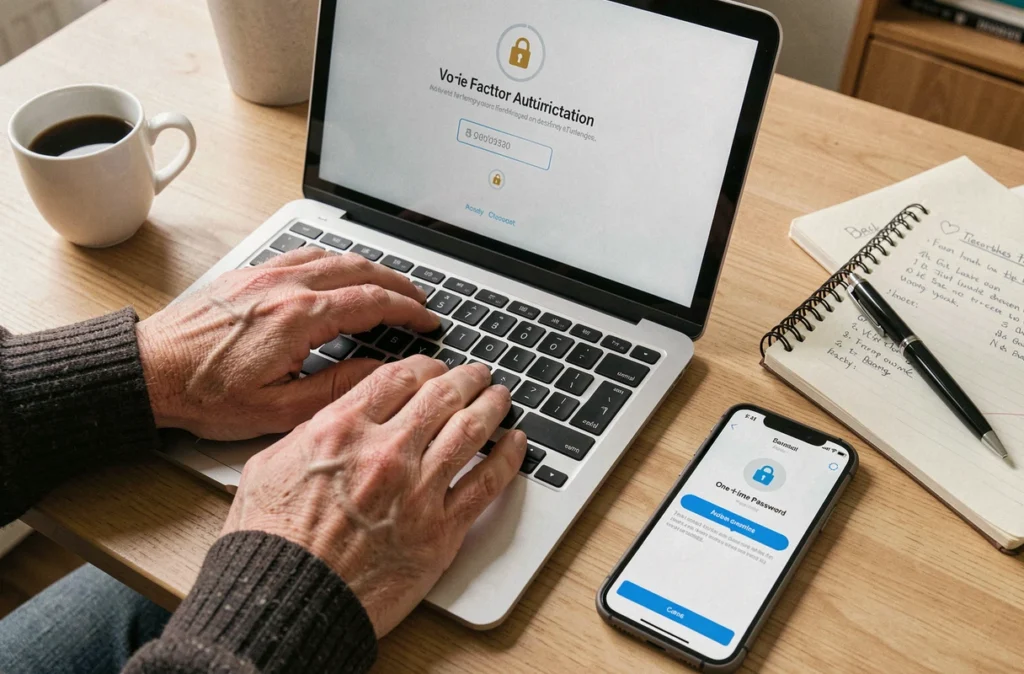
Multi-factor authentication, when offered by the employer, adds a layer of verification that makes a stolen password unusable on its own. If GTM Extranet or MaBoxRH offers this option, enabling it protects the account even in the event of a password leak.
Choosing a long and unique password for each professional service remains the basic measure. A password manager (integrated into the browser or as a dedicated application) avoids having to memorize dozens of different combinations.
In case of loss of access to the portal, avoid searching for “recover GTM Extranet password” in a search engine. This type of query generates exactly the fake sites designed to intercept credentials. Go through internal support, by phone or professional messaging.
The confusion between the different HR portals of the La Poste group (GTM Extranet, MaBoxRH, smart portal) complicates the task for agents, and the situation varies depending on the departments and ongoing updates. Bookmarking each official URL communicated by the IT department remains the most reliable defense against fake login sites.